
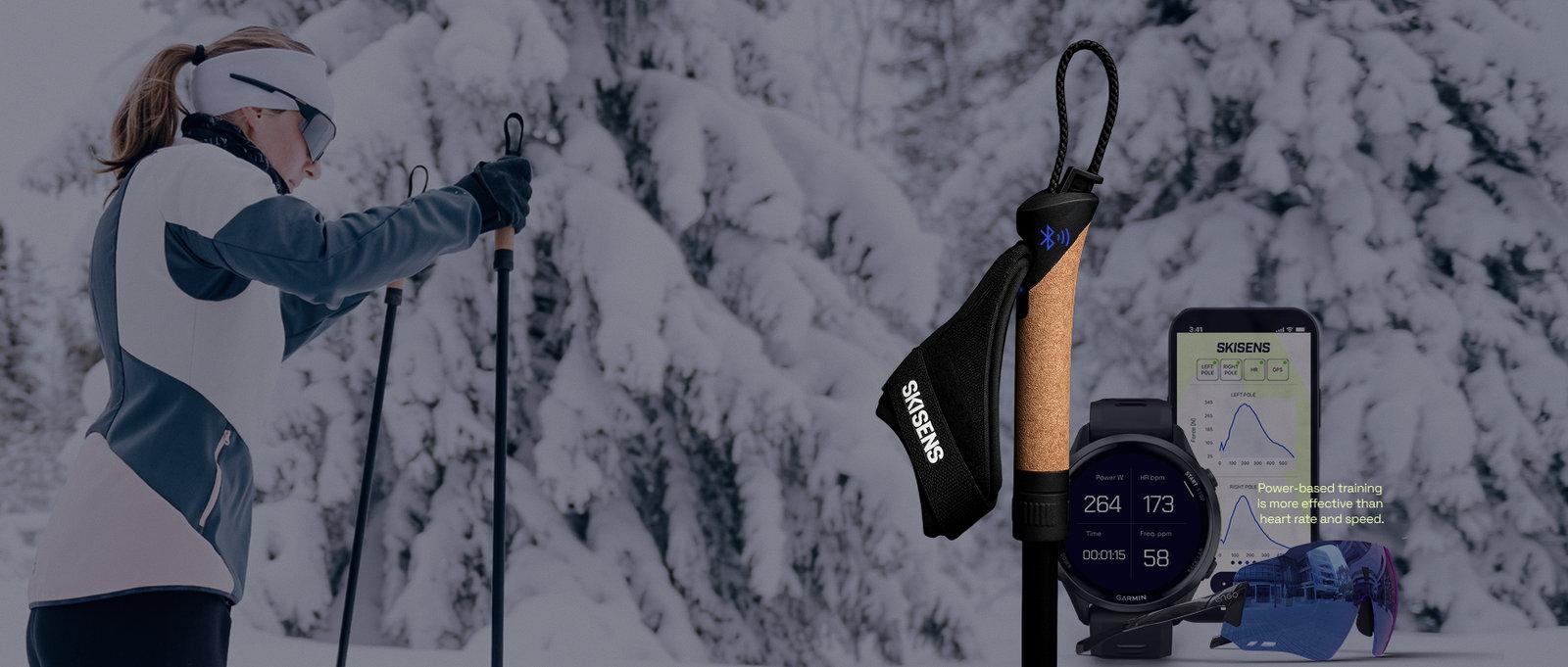
Normill and Skisens
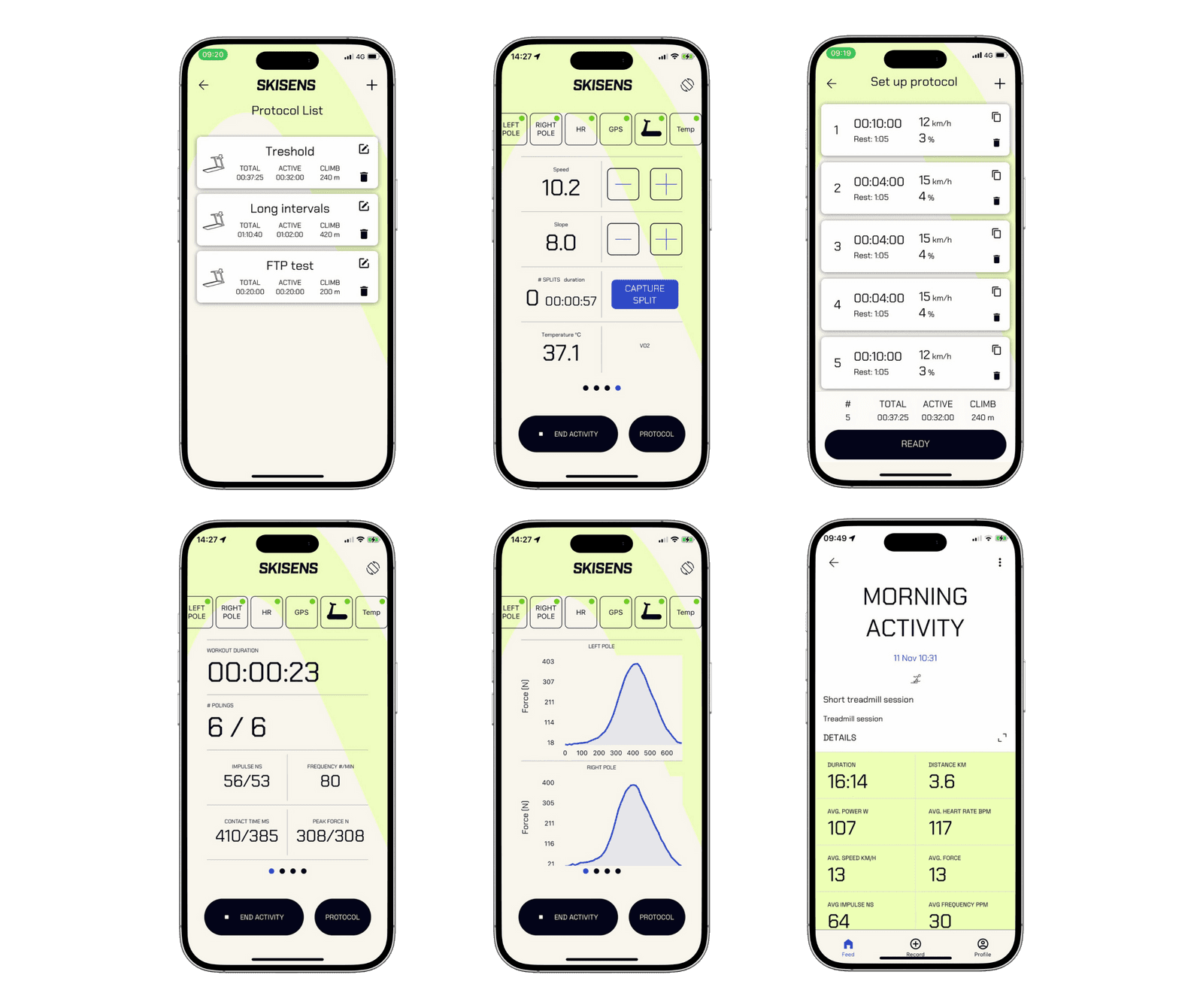
Connect the treadmill to the Skisens app over Bluetooth. The app controls speed and incline, and the session is logged with the rest of your training.
Visit SkisensWhat the connection does
The treadmill shows up in the Skisens app over Bluetooth. From there the app can set speed and incline and log every session.
- Bluetooth pairing
- The treadmill appears in the Skisens app.
- Control from the app
- Set speed and incline from your phone, without touching the console.
- One training log
- Treadmill, SkiErg, outdoor sessions and power data in one place.
- Ski-specific data
- Treadmill data combined with pole force from the Skisens power meter.
- Repeatable protocols
- Tests and interval sessions with exact speed and incline targets.
- Analysis
- Compare sessions and follow training load over time.
Treadmill data in Skisens
Speed, incline and status go straight into the Skisens timeline. Power, heart rate and treadmill data share one clock, so the sensors line up.
- Treadmill
- Speed, incline, status
- Power
- Pole force, propulsion power, stroke frequency, contact time
- Physiology
- Heart rate, core temperature, VO₂
- Testing
- Lactate logging, notes and interval comments
Build sessions in the app
Set up intervals and tests in Skisens and run them on the treadmill. Speed and incline follow the plan, including sharp changes.
- Intervals
- Blocks with exact speed and incline targets
- Saved protocols
- Tests, threshold work and technique sessions
- Sharing
- Reuse protocols between athletes and coaches
- Live feedback
- Follow the session as it runs
With the Skisens power meter
Add the Skisens power meter and every pole stroke is measured against treadmill speed and incline. A lab setup for ski-specific training and testing.
- Performance profile
- Peak power, threshold, power over time
- Technique
- Symmetry, force curves, contact patterns
- Intensity in watts
- Steer training load by watts, not feel
- Over time
- Compare sessions and follow progress
Connecting
No cables and no setup. Bluetooth only.
- 1
Turn on the treadmill and check that Bluetooth is on.
- 2
Open the Skisens app and go to sensor connections.
- 3
Pick the treadmill from the list.
- 4
Start the session. Skisens now reads and sets speed and incline.
Sessions stored in Skisens Cloud
Every session is saved automatically. See your history in the app or at app.skisens.com.
- Indoor and outdoor training in one overview
- Export to other analysis tools
- Power and technique over the long term
Upload to Strava
Send a treadmill session to Strava as soon as it is finished.
- One tap
- Power, heart rate, speed, incline and interval structure come with it
- For athletes who mix skiing, running and indoor training
- Share sessions with your training group